Why Monitor Position Matters
Even the best ergonomic chair can’t save you from a poorly positioned monitor. Where your screen sits directly affects your neck posture, eye strain, and upper back tension. Think about it - your monitor is the thing you stare at all day. Your head and neck will follow wherever it goes, no matter how good your chair is.
The Three Critical Dimensions
1. Height
The top of your screen should be at or slightly below eye level when you’re sitting upright. Your natural line of sight falls about 10-15 degrees below horizontal, so this puts the center of the screen right where your eyes naturally rest.
If the monitor is too low, you end up looking down all day, which strains the muscles at the back of your neck. Too high, and you’re tilting your head back - that compresses the cervical facet joints and often causes headaches. A laptop sitting flat on a desk is almost always too low. It’s the single most common ergonomic mistake in home offices.
2. Distance
Your screen should sit roughly at arm’s length - about 50-70 cm away. At this distance, you should be able to read text without leaning forward, see the whole screen without your eyes darting around too much, and your eyes don’t have to work as hard to stay focused.
If text feels too small at arm’s length, bump up the display scaling or font size. Don’t move the monitor closer.
3. Angle
Tilt the screen slightly backward - about 10-20 degrees - so it’s roughly perpendicular to your line of sight. This cuts down on glare and gives you a better viewing angle.
If you use dual monitors, keep the primary one directly in front of you and angle the secondary 15-30 degrees to the side. Use both screens equally? Center the gap between them on your nose.
Solutions for Common Setups
Laptop on Desk
- Use a laptop stand (₹500-₹2,000) to raise the screen to eye level
- Add an external keyboard and mouse (essential)
- The laptop screen should be at the same height as an external monitor would be
Monitor Too Low
- Monitor stand or riser (₹300-₹1,500)
- Stack of sturdy books as a temporary solution
- Monitor arm with height adjustment (₹1,500-₹5,000) - most flexible option
Monitor Too High (Mounted)
- Lower the mount
- Tilt the screen downward
- Raise your chair and add a footrest (as a last resort)
Complementing Your Chair Setup
Your monitor position and chair settings are really one system - change one and you’ll probably need to tweak the other.
- Start with your chair: set the seat height, lumbar support, and armrests for a good seated posture
- Then position the monitor to match your natural eye level in that posture
- Check that you don’t need to lean forward to read the screen
If you’re still leaning forward even after dialling in your chair, the monitor is probably too far away or the text is too small.
FAQ
Should I use dark mode to reduce eye strain?
It can help in dim rooms since the screen throws less light at your eyes. But honestly, the evidence on dark mode’s ergonomic benefits is mixed. What matters more is getting your screen brightness to match your room’s lighting, keeping the screen at the right distance, and taking visual breaks. Try the 20-20-20 rule: every 20 minutes, look at something 20 feet away for 20 seconds. Beyond that, dark mode is really just personal preference.
Is a monitor arm worth buying?
A monitor arm gives you the most flexibility - height, distance, angle, all adjustable on the fly - and it frees up desk space. If you have a single monitor and a simple riser gets it to the right height, you probably don’t need one. But for dual-monitor setups, standing desk users, or anyone who needs to move or share their screen often, a monitor arm (₹1,500-₹5,000 on Amazon.in) is well worth it.
How should I position a monitor when using a reclining chair position?
When you recline to 110-115 degrees (great for breaks), your eye level naturally tilts upward. If you work reclined often, set the monitor a bit higher and tilt it more toward you. This is where a monitor arm really shines - you can reposition in seconds. If you’re using a fixed stand, set it up for your main working posture (slightly reclined at 100-105 degrees) rather than optimizing for full upright or deep recline.
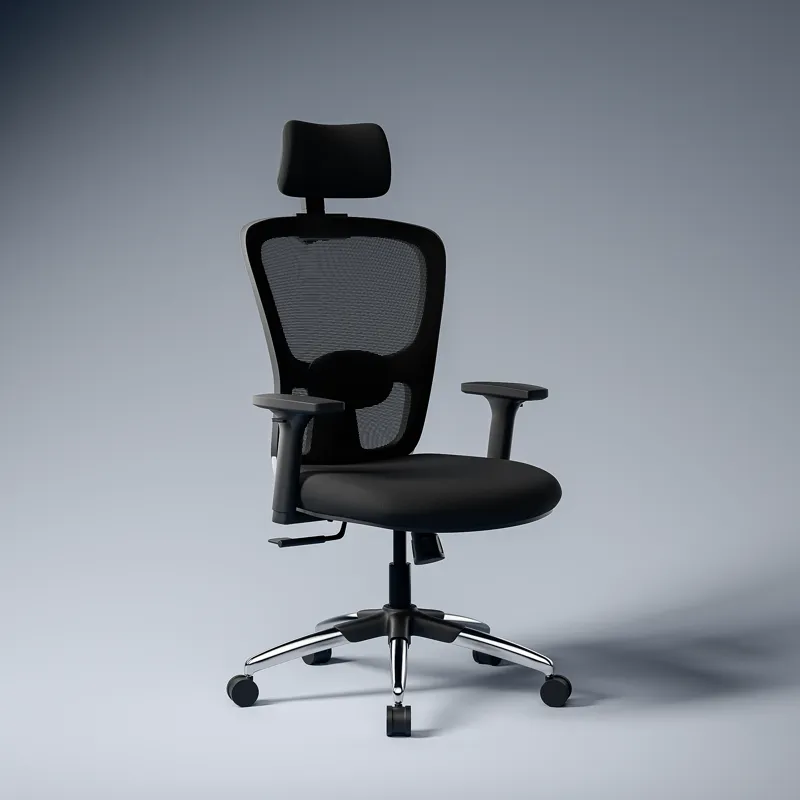
![ASTRIDE Ergofit Ergonomic Office Chair for Home | 3-Years Warranty | 2D Headrest, Adjustable Arms & Lumbar Support | Tilt Lock Mechanism [Heavy Duty Chromium Metal Base, Grey-White]](/images/chairs/B0CN49729X.webp)
![ASTRIDE Octave BIFMA Certified Ergonomic Office Chair for Work | 2D Adjustable Soft Armrest, 2D Headrest & 2D Lumbar Support | Single Tilt Lock Mechanism [Heavy Duty Metal Base, White-Grey]](/images/chairs/B0DPCP2LC6.webp)