WFH Is Not the Same as Office Work
Your employer buys office chairs in bulk. They factor in durability, uniformity, and brand optics. You’re buying one chair, for yourself, with your own money, and it’s going to live in your bedroom or living room.
That changes the calculation completely.
WFH in India has specific pressures that office chair guides don’t address: small apartments where your desk is also your dining table, summers with no AC, shared spaces where the chair needs to not look industrial, and the fact that you’re personally absorbing the cost rather than expensing it.
This guide is for that situation.
The Space Problem in Indian Homes
Most Indian apartments don’t have dedicated home offices. You’re setting up a desk corner in a 10x12 bedroom, or working off a table in a 2BHK living room that four people share.
Standard ergonomic chairs have a larger footprint than people expect. The base extends 60-70 cm in diameter. Armrests add width. Some chairs need 30-40 cm of clearance behind the backrest for full recline.
Before you buy, measure your usable floor space. If you’re under 120 cm from desk to wall, look for chairs with a tighter base footprint and limit recline depth. Mesh-back chairs also tend to be slightly narrower than foam-back models.
Caster type matters too. Hard casters on tile or marble floors (common in Indian apartments) roll too freely and the chair slides when you don’t want it to. Look for dual-wheel soft rubber casters, or buy a small chair mat. The default hard plastic casters on most budget chairs will scratch tile and roll across the room every time you stand up.
Why WFH Hours Are Harder Than Office Hours
At an office, you walk to meeting rooms, go to the pantry, step out for lunch. That forced movement breaks up your sitting.
At home? You sit down at 9 AM, finish a meeting on Zoom, eat lunch at your desk, and notice it’s 7 PM. The unstructured WFH day collapses all those natural movement breaks. Hours of continuous sitting that would be rare in an office happen by default at home.
This means WFH buyers should actually prioritize adjustability and support more than office workers, not less.
Features That Matter Specifically for WFH
Breathability
Indian summers without AC hit differently at home than they do in office buildings. Most IT offices maintain 22-24°C. Your home in May might be 32°C until the evening.
PU leather and PVC upholstery trap heat and leave you sweaty within an hour. Full-mesh backrests let air circulate across your back continuously. If you’re working without consistent AC, mesh is not optional. It’s the difference between being productive and being miserable by noon.
Mesh seat chairs are even better, though they cost more. A hybrid (mesh back, foam seat) is the most common middle ground and works well.
Quiet Mechanisms
Office chairs are designed for offices. At home, a squeaky tilt mechanism or a loud recline lever becomes a problem when someone else is sleeping nearby, on a call in the next room, or when you’re on a video meeting and every adjustment makes noise.
Test or check reviews specifically for mechanism noise. Most genuine user reviews on Amazon.in will mention it if a chair squeaks. Synchro-tilt mechanisms tend to be quieter than basic tilt-and-lock designs.
Compact Footprint
A chair with a 65 cm base diameter takes up notably less floor space than one with a 70 cm base. It sounds minor until you’re trying to push your chair back from the desk and the legs are hitting the bed frame.
Mid-back chairs (backrest height 55-65 cm) also visually occupy less space than high-back chairs with headrests, which matters in a living room setup where a huge gaming-throne-style chair looks out of place.
Aesthetics (It’s a Valid Concern)
If your WFH desk is in your living room, you live with this chair as furniture. An all-black industrial-looking office chair in a warm, residential living room looks strange and will bother you.
A growing number of ergonomic chairs come in grey, beige, or brown mesh with clean lines that look like furniture rather than office equipment. It’s worth spending 10 minutes looking at photos from the side and from across the room, not just the product hero shot.
Budget Tiers: What You Actually Get
Under 5,000 INR
This range is dominated by basic task chairs with fixed or minimally adjustable lumbar, 2D armrests, and nylon bases. They’ll hold up for 12-18 months of daily WFH use, maybe two years if you’re lighter and take care of them.
At this price, you’re accepting trade-offs. The foam compresses over time, adjustability is limited, and mesh quality is generally thin. If you’re WFH part-time (3-4 hours/day), this range is defensible. For full-day WFH, you’ll be replacing it within two years.
See chairs under ₹3,000 for options in the lowest tier.
5,000–10,000 INR
The most important buying range for WFH in India. This is where you start getting proper adjustable lumbar support, mesh backrests, and occasionally 3D armrests.
At the upper end of this range (8,000-10,000 INR), chairs from brands like Green Soul, Savya Home, and Cellbell offer Class 3 or Class 4 gas lifts, synchro-tilt or multi-lock mechanisms, and 2-3 year warranties. These chairs can last 3-5 years of daily WFH use.
For most WFH professionals in India, the 7,000-10,000 INR range is the practical sweet spot: enough features to make a real difference, not so expensive it’s hard to justify self-funding.
See chairs in the 5,000-10,000 range.
10,000–20,000 INR
This range opens up 4D armrests, genuine lumbar adjustment systems (height + depth + angle), seat depth adjustment, and better build quality overall. Warranty coverage typically extends to 3-5 years.
If you’re WFH full-time and your back is already giving you trouble, spending here is reasonable math. A good chair at 15,000 INR lasting 5 years costs 250 INR/month. A 5,000 INR chair you replace every 18 months costs more.
Above 20,000 INR
Herman Miller, Steelcase, Humanscale imports and premium domestic options (Featherlite, some Godrej commercial-grade models). Justified if your income depends on being productive, you’re sitting 10+ hours a day, or you have a specific ergonomic need (chronic lower back pain, large frame, etc.).
For straightforward WFH use without existing pain issues, 10,000-15,000 INR is where diminishing returns start.
Common WFH Chair Mistakes
Buying based on appearance. Gaming-style chairs with racing stripes look exciting in photos and are aggressively marketed. They are generally not ergonomic. Fixed lumbar pillows, PU leather that bakes in heat, and limited tilt range make them poor WFH choices. More on this in our gaming vs ergonomic chair guide.
Ignoring the weight rating. Most cheap chairs are rated for 90-100 kg. If you’re 85 kg and the chair is rated 90 kg, you’re already close to the limit under daily all-day use.
Underestimating assembly difficulty. Indian apartments often have just one capable person at home during weekdays. WFH chair assembly typically requires 45-60 minutes and occasionally two people for the base attachment. Check for clear assembly instructions and a helpline before buying.
Buying online without checking return policy. A chair that looks fine in photos may feel wrong in 10 minutes of sitting. Flipkart and Amazon.in have different return windows and different hassle levels for large items. Read the return policy before you buy, not after.
Not adjusting it properly. A 10,000 INR ergonomic chair set up incorrectly will perform worse than a 3,000 INR chair set up correctly. After assembly, spend 15 minutes with the adjustment guide. Set height first (feet flat on floor), then lumbar (belt-line level), then armrests (forearms supported without shrugging). See how to adjust your chair for a full setup guide.
FAQ
Is a separate lumbar cushion a reasonable alternative to built-in lumbar support?
It can work as a stopgap. A half-cylinder memory foam lumbar cushion on an otherwise flat-backed chair costs 500-1,500 INR and provides some support. The problem is positioning. Lumbar cushions slide down over the course of a day, and you end up readjusting constantly. An adjustable built-in lumbar stays where you set it. If you already have a decent chair and want to extend its useful life, a lumbar cushion is reasonable. It’s not a substitute for a chair with proper adjustable lumbar support.
Can I use a dining chair for WFH to save money?
For a few hours, yes. For 6-8 hours daily, no. Dining chairs have no lumbar support, fixed height, no tilt, and non-breathable hard seats. Within a few months of full-time use, you’ll be dealing with back pain that costs more to treat than a decent chair would have. The economics don’t work out.
What is the most important single feature for a WFH chair in India?
Adjustable lumbar support, followed by a breathable mesh backrest. The lumbar is the foundation. Without it, your lower back muscles are working constantly. The mesh matters specifically for the Indian climate. Get both right and you have the core of a functional WFH chair.
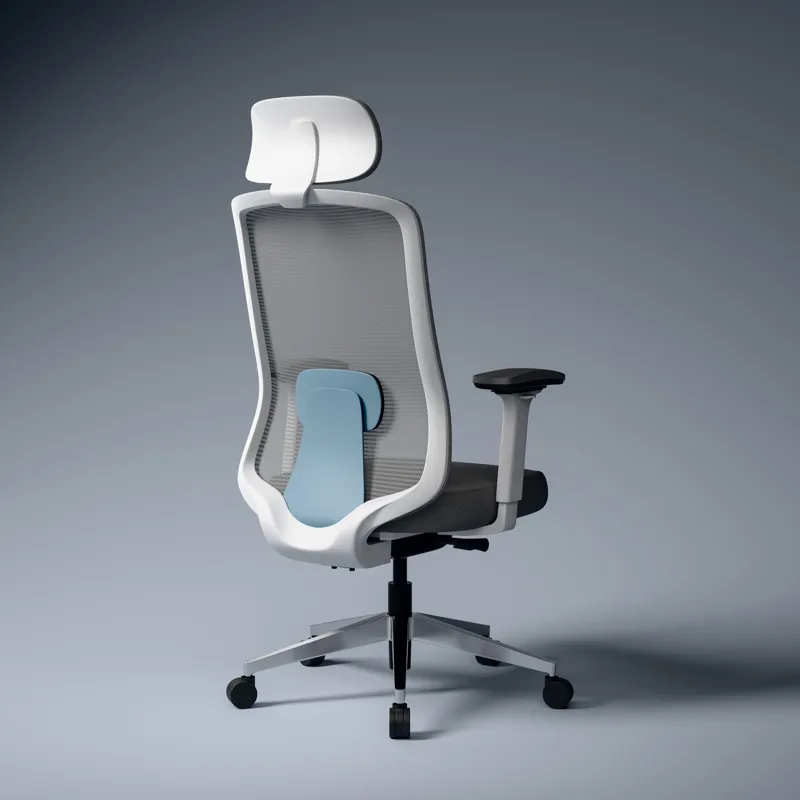
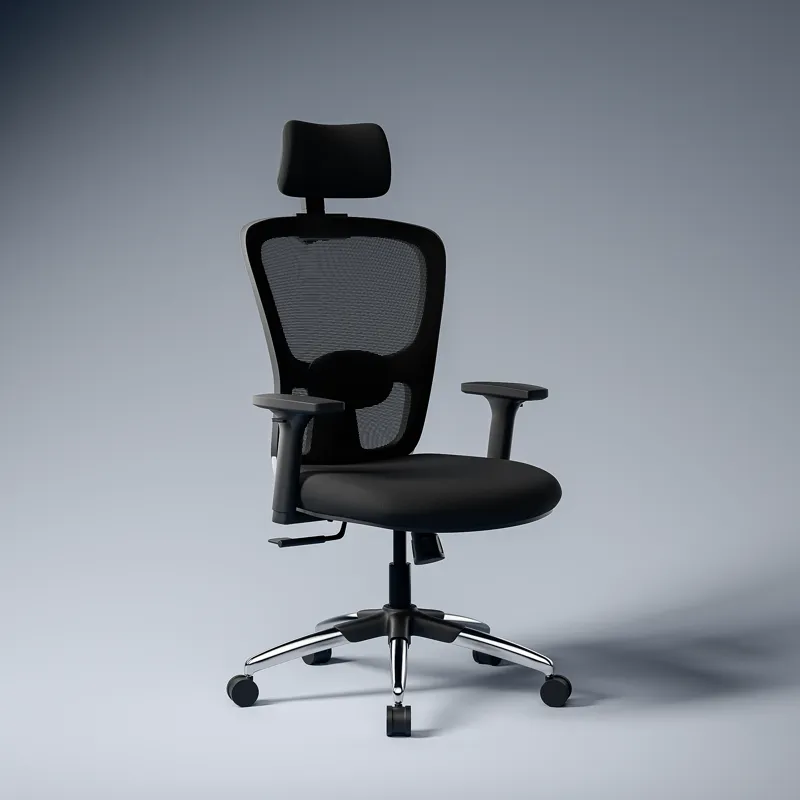
![ASTRIDE Octave BIFMA Certified Ergonomic Office Chair for Work | 2D Adjustable Soft Armrest, 2D Headrest & 2D Lumbar Support | Single Tilt Lock Mechanism [Heavy Duty Metal Base, White-Grey]](/images/chairs/B0DPCP2LC6.webp)